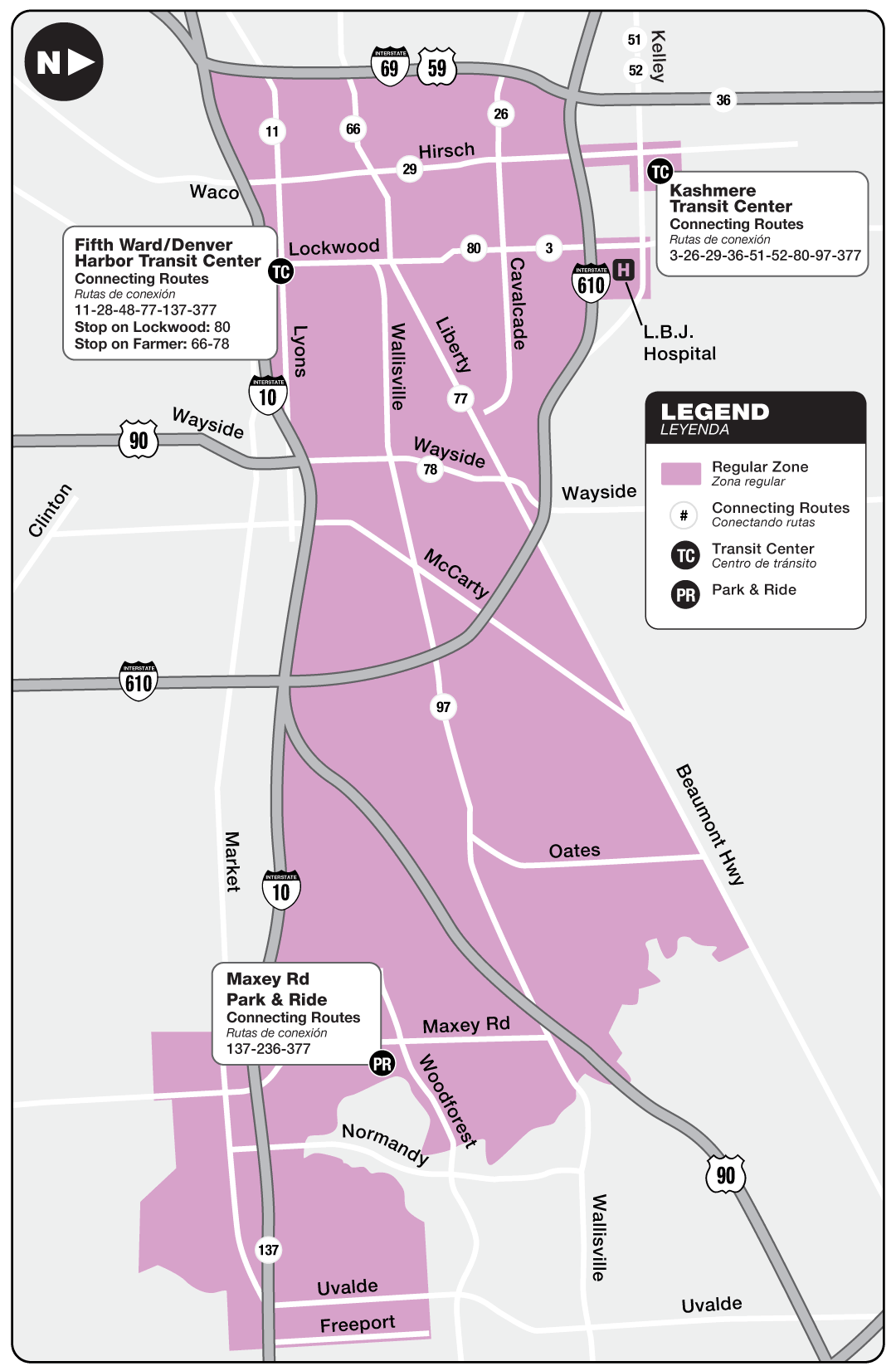
- Mon-Fri: Runs every 10 min. *
- Sat-Sun: Runs every 10 min. *
* For most operating hours. Exact times may vary.
About Route 377
Fares
Regular Fare
For all METRO curb2curb customers who aren’t eligible for a discounted fare.
Discounted Fare
* For students, seniors 65-69, or people with disabilities who aren't METROLift customers.
* Requires a RideMETRO Discounted Fare Card
Ways To Pay
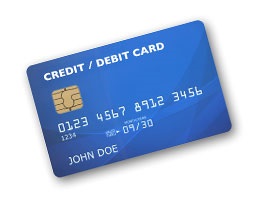
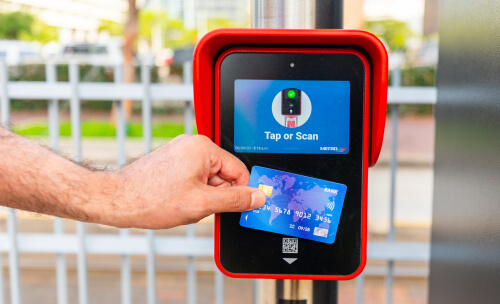
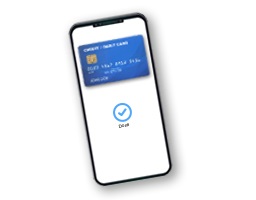
.jpg?sfvrsn=5644708b_1)
Get the App
Schedule trips easily using the METRO On Demand app directly from your smartphone or by calling 713-739-RIDE (7433). Reserve trips at least 10 minutes before your planned travel time or up to seven days in advance.
When service is in high demand and METRO curb2curb vehicles are not available when you need a trip, you may see the option to have your ride fulfilled by Uber or Lyft.
You can use the METRO On Demand app to:
- Plan your trip on your time
- Book your ride
- See your driver and track your ride
Download Now (Open external link) (Open external link)
METRO On Demand App
Download the METRO On Demand app for free from the Google Play Store (for Android phones) or the App Store (for Apple phones).
Common Questions
Fares
The regular fare to board is $1.25
The discounted fare is 60 cents.
The following passengers ride for free:
- Children five or younger, when accompanied by an adult
- Seniors 70 years or older who have a RideMETRO Discount Fare Card
- Disabled or decorated veterans who have a RideMETRO Discount Fare card
- METROLift customers (with up to one assistant) using their METROLift Fare Card
When service is in high-demand and METRO curb2curb vehicles are not available when you need a trip, you will see an option for your ride to be fulfilled by Uber or Lyft. If you select this option, your ride will cost $1.25 each time you board and you'll be required to have a credit or debit card on file in your app account which will be automatically charged for the ride. Discounted fares are not offered when using the Uber or Lyft service.
You can pay your curb2curb fare using any of the following:
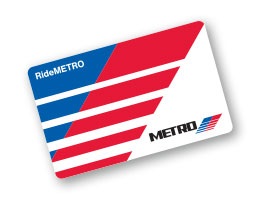
- Physical RideMETRO Fare Card
- Virtual RideMETRO Fare Card (in the RideMETRO app)
- Credit or debit card (Visa, Mastercard, American Express, Discover)
- Apple Pay or Google Pay
- 3-Hour Pass ticket
- Day Pass ticket
The All About Fares page has information on where you can obtain them.
When selecting an Uber or Lyft trip, you must pay using a credit or debit card.
Yes, you'll receive free transfers between any METRO service of equal or lesser value for up to three hours if you pay using your:
- Physical RideMETRO Fare Card
- Virtual RideMETRO Fare Card (in the RideMETRO app)
- Credit or debit card (Visa, Mastercard, American Express, Discover)*
- Apple Pay or Google Pay*
- 3-Hour Pass ticket
- Day Pass ticket (not valid for transfers to Park & Ride)
For transfers to a service with a higher cost, you only pay the fare difference for up to three hours.
*When transferring, make sure to tap or scan the same payment method you used at the start of your trip. For example, if you tapped a physical debit card to begin your trip, you must use that same physical card when transferring within three hours. A physical credit or debit card is not the same as a virtual version of the same card stored in Apple or Google Wallet – they're treated as two different payment methods.
Trip Booking
You can book a trip one of two ways:
- Use the free METRO On Demand app for your smartphone
- Call us at 713-739-RIDE (7433) – agents are on call daily, 5 a.m.-7 p.m.
With either method, you can specify the exact location where you want to be picked up and dropped off.
Whether you book a ride through the app or over the phone, all reservations are subject to availability.
Whether you book a ride through the app or over the phone, you can book a ride as early as seven days in advance, or as little as 10 minutes before your desired pick-up time.
For instance, if you need to be picked up at 11:00 a.m. – you would need to have your trip booked no later than 10:50 a.m.
All reservations are subject to availability.
If you have an iPhone, you can download the app from the App Store.
If you have an Android, you can download the app from Google Play.
Just search for METRO On Demand
Boarding
You should board at your requested pickup location that you provided in the app or over the phone when you booked your trip.
For more information, visit the METRO curb2curb page where you can select your specific route.
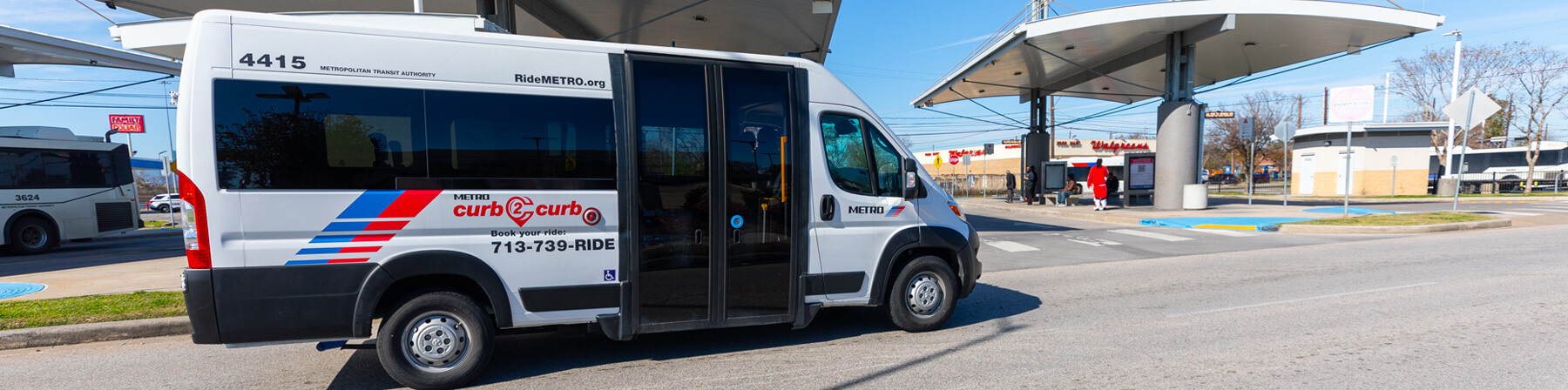
An ADA-accessible low-floor minibus (pictured below).
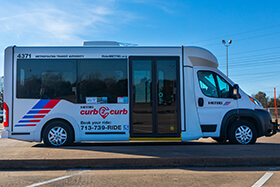
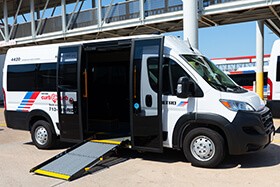
or an ADA-accessible minivan (pictured below).
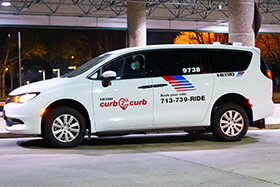
You can expect to be picked up by either of them, based on availability.
If you book an Uber or Lyft trip, you'll be able to see the make, model and license plate number of the vehicle that will pick you up, within the METRO On Demand app.
All METRO curb2curb vehicles are accessible under the standards of the Americans with Disabilities Act (ADA).
There is no guarantee that Uber or Lyft vehicles are accessible.
Riding
Hours of operation vary by route. For more information, visit the METRO curb2curb page where you can select your specific route.
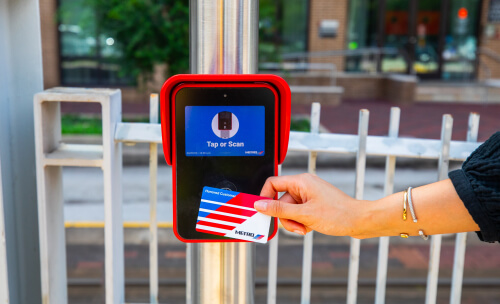
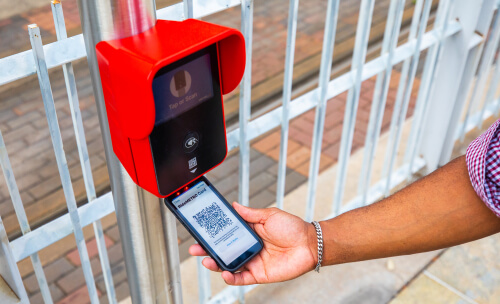
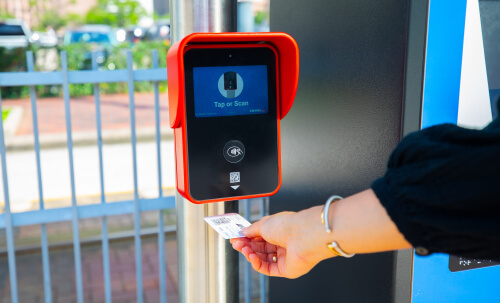
You'll need to tap or scan the fare validator as you enter the METRO curb2curb vehicle.
The following payment methods will need to be tapped on the fare validator:
- Physical RideMETRO Fare Card
- Credit or debit card (Visa, Mastercard, American Express, Discover)
- Mobile wallet with Apple Pay or Google Pay
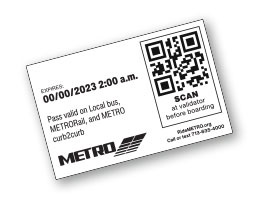
The following payment methods will require you to scan the QR code six inches under the fare validator:
- Virtual RideMETRO Fare Card (in the RideMETRO app)
- 3-Hour Pass ticket (not valid on Park & Ride)
- Day Pass ticket (not valid on Park & Ride)
You can also pay with cash by depositing it into a fare box at the front of the vehicle as you board. When using cash, no change is given, and free transfers are not included.
More details can be found on the All About Fares page.
If you book an Uber or Lyft trip within the METRO On Demand app, $1.25 will automatically be charged to your credit or debit card on file in your app account.
Whether you booked through the METRO On Demand app or over the phone, the operator will have the drop-off location you provided.

 Google Chrome
 Safari Mac OS
 Mozilla
 Microsoft Edge